

Host Resources
Finalize the Details
THE PROCESS
STEP TWO
Download Your Talks
Download your selected talks for the smoothest streaming experience.
STEP THREE
Promote Your Event
Create graphics for social media, download our promotional video and more using our templates.
STEP ONE
Read the
Host Guide
This guide provides you with step by step instructions in planning your event.
STEP FOUR
Prepare Your Space + Team
Print name badges, download all necessary night of slides and access our host script.

Download Your Host Guide
Step One
This guide provides you with step by step instructions in planning your event. . Share this guide (and this site) with those helping to plan your event.
STEP TWO
Download Your Talks
Download your selected talks to easily share these onsite using your preferred presentation software. If you have any questions about the downloads or don’t see your selected presentation, please email events@thinqmedia.com.
-
![]()
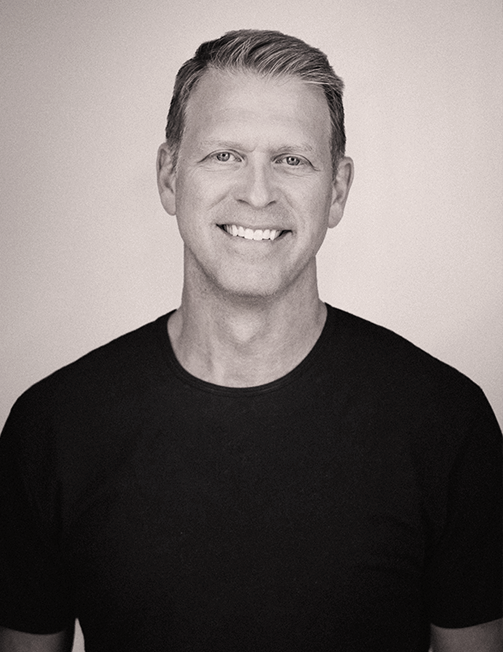
Hope Beyond Politics
Gabe Lyons
-
![]()
Debate Ideas, Not People
Denise Gitsham
-
![]()
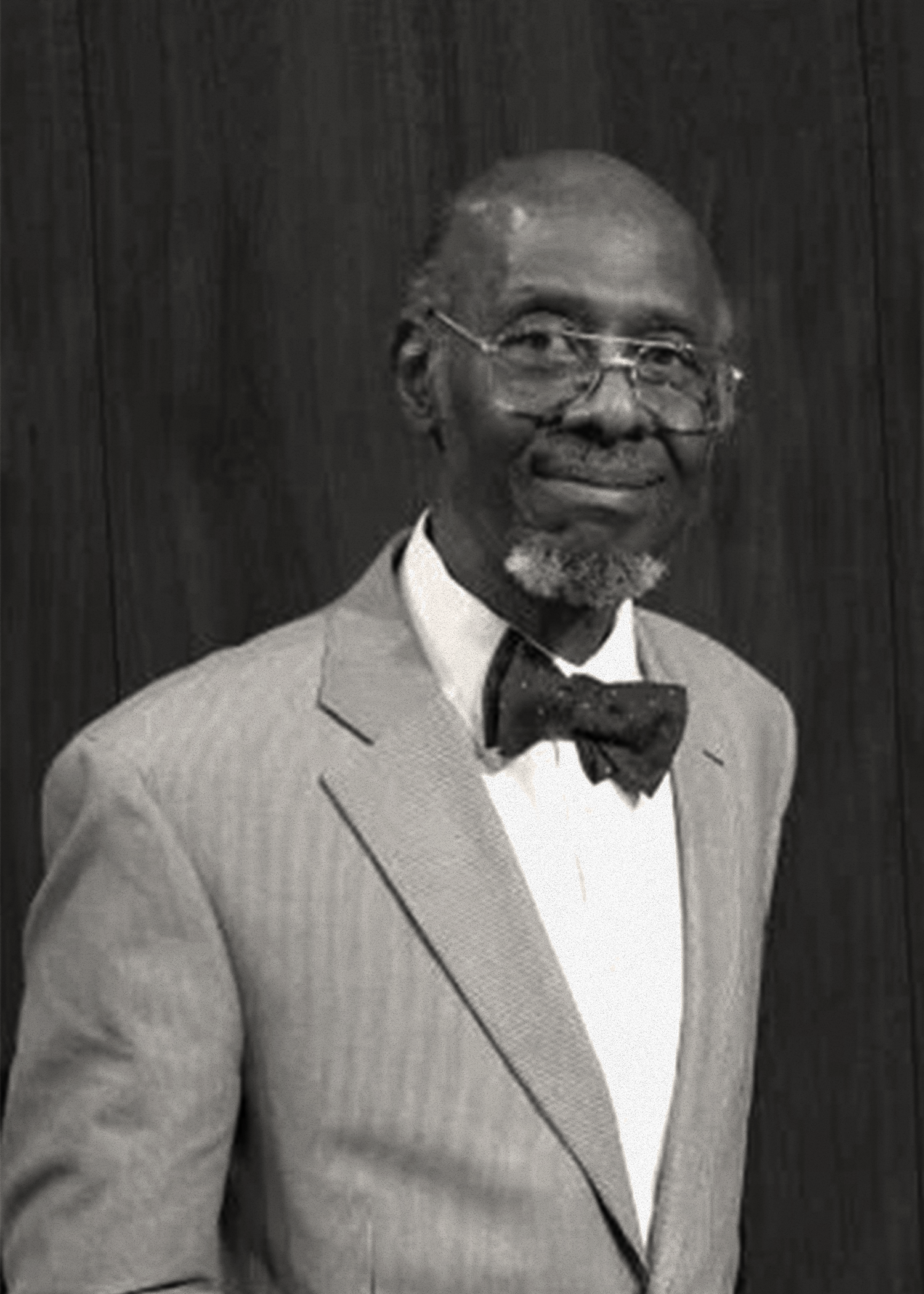
Democracy or Republic?
William B Allen & Dave Zanotti
-
![]()
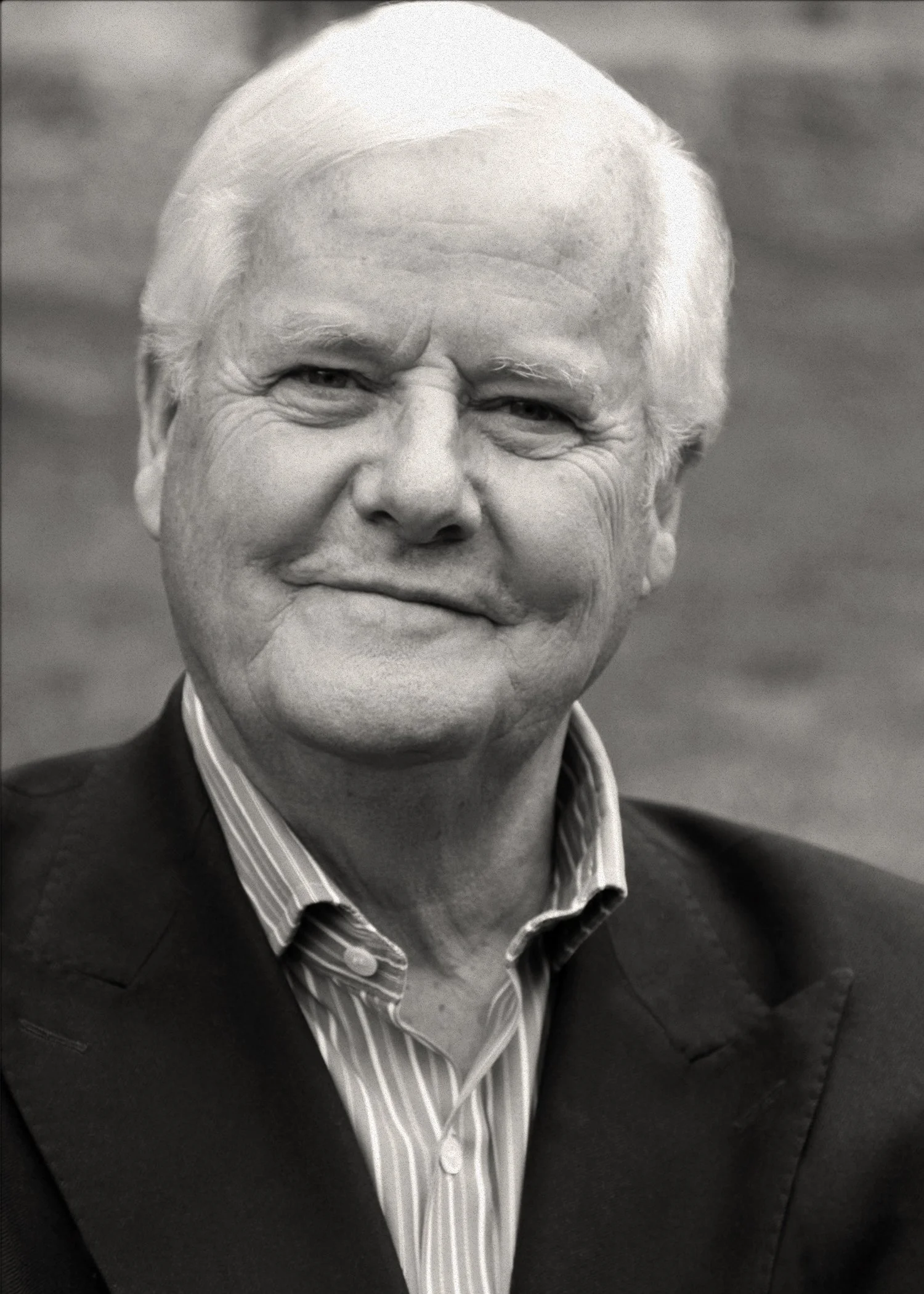
Voting Your Convictions
Os Guinness

STEP THREE
Promote Your Event
We’ve created promotional materials to help you promote your event across various communication channels. Resources include your personalized website, social media graphics, posters and a promotional video.
-

Personalized Website
Once your event has a date, time and location and your ticketing liak is ready our team will create your personalized website. If you have all your information. If you’d like to add a letter from your pastor, email that to us as well!
-
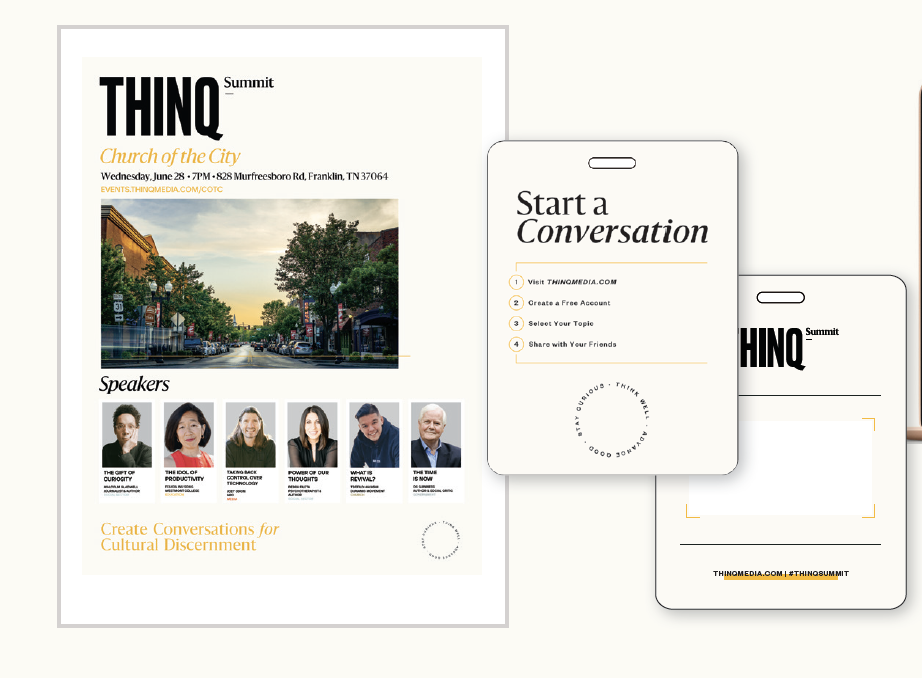
Marketing Materials
We’ve created some Canva templates for you to use to create your personalized graphics. Download the promo video at the link below and find all resources for digital graphics below.
STEP FOUR
Event Materials
CLICK THE LINKS BELOW TO DOWNLOAD EACH NIGHT OF RESOURCES
Attendee Name Badge (Buy your white lanyards HERE. Download printer file of badges HERE.)
Emcee Script + Talking Points (DOWNLOAD HERE)
Night of Slides (Response Conversations Slide + THINQ Graphic)
Personalized Night of Graphic Slides (Add Your Logo to Your Slide HERE)
9-Minute Countdown Clock (DOWNLOAD HERE)


FAQs
-
A THINQ Summit is a local event that allows churches, schools and organizations to equip those they lead to think well about cultural conversations permeating today's modern world. This one-night, two-hour event will create dialogue on the most pressing issues of our times. Hosts churches will select their top talks or conversations from our digital library and create one evening to encourage discussion around these topics.
-
Yes, if a last-minute issue arises or if you need to reschedule the date of your THINQ Summit event, our team can easily make this change for you.
-
This all-inclusive price of $975 includes licenses to all selected talks, all promotional support, and ongoing support from the THINQ Media team. There is no additional cost to your attendees.
-
Once you register to host a THINQ Summit, the registration fee is non-refundable. If you have any questions about this, please email info@thinqmedia.com
-
Our team will walk alongside you from the start. We've created resources to help you plan your event, including a step-by-step guide, marketing materials to promote your event, a promotional video, and night-of-event resources to help you plan your schedule. If you have any questions along the way, you can easily schedule a call with one of our team members or email your questions to us at events@thinqmedia.com
-
After your THINQ Summit has concluded, our team will follow up with an email inviting them to join us on the THINQ Media platform to enjoy access to the entirety of the event and our entire library of content at no additional cost to them.
-
Our team suggests selecting six talks or conversations to allow plenty of discussion time.
-
Yes, our team is here to support you during the entire event process. Please email events@thinqmedia.com and a member of our team will get back with you to set up a call.
Need Additional Support?
Click the button below to schedule a time to talk with a member of our events team!